Office Sales Contact Person
 Joe Song
 0086-15920037194
 info@easypaltech.com
 easypaltech
 Ivy Ling
 0086-13715082847
 ivy@easypaltech.com
 ivyling299
 Alice Ye
 0086-15017916016
 alice@easypaltech.com
 No.56, JieFu Road, TangWei Community, FuYong Street, BaoAn District, ShenZhen City,GuangDong Province, China
How to setup portable wifi printer?
Wherever there is wifi environment, you can create your bills for customers fastly, easily with this portable wifi printer...
When you got EasyPal portable WIFI printer, firstly need do the Setup.
Demo Show: Printer model EP-58WF
1)Printer is ready with paper roll, WifiPrinterSettingTool ready (This tool is provided by us), USB cable.
Connect the usb cable with your PC/laptop, then power on the printer. Run the "WifiPrinterSettingTool.exe".

2) Fill in your SSID, IP, Gateway according to your Router wireless network, example is above.
Mark: WPA-PSK//WPA2-PSK, usually choose Authentication type: WPA-PSK. AES.
PSK KEY: your password to access network.
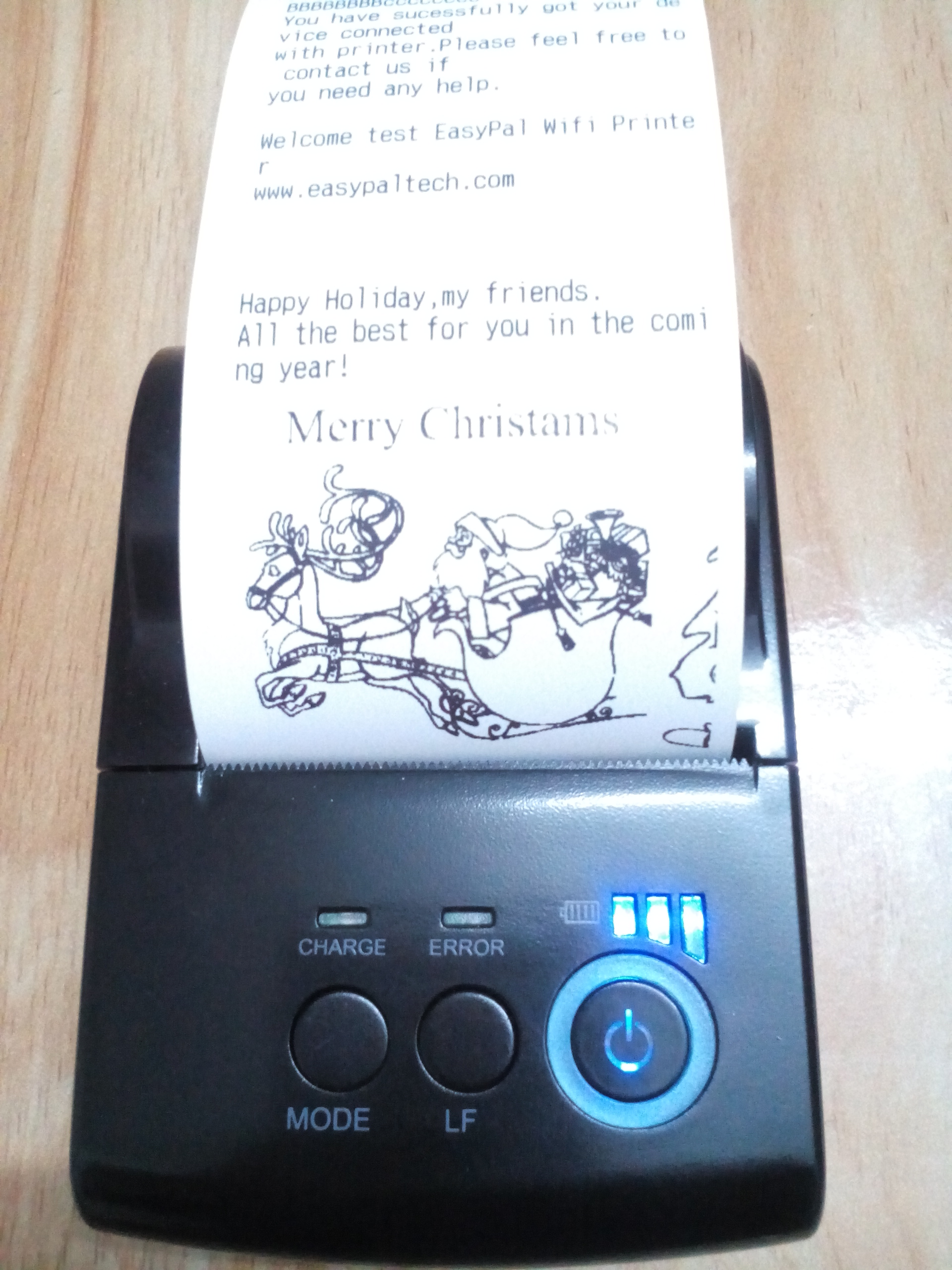
After done above setting, click SET. The printer will print out a receipt as below.

3) Do a Self-Test, you will also see your SSID, IP, Gateway on the receipt.

4) Test on Phone or Tablet.
Copy and Installed our 'wifiDemo.apk" at your Android phone or tablet. Run the 'wifiDemo.apk".
You will see windows as below, Input your IP address. Click "Connect printer".

5) Input something to test...

Merry Christmas & Happy New Year to all partners, clients, best wishes a better cooperation with each other!