Office Sales Contact Person
 Joe Song
 0086-15920037194
 info@easypaltech.com
 easypaltech
 Ivy Ling
 0086-13715082847
 ivy@easypaltech.com
 ivyling299
 Alice Ye
 0086-15017916016
 alice@easypaltech.com
 No.56, JieFu Road, TangWei Community, FuYong Street, BaoAn District, ShenZhen City,GuangDong Province, China
How to setup Mobile Bluetooth Printer EP-58A?
To know the Setup of Mobile Bluetooth Printer , this is the first step before you need connect with software on device.
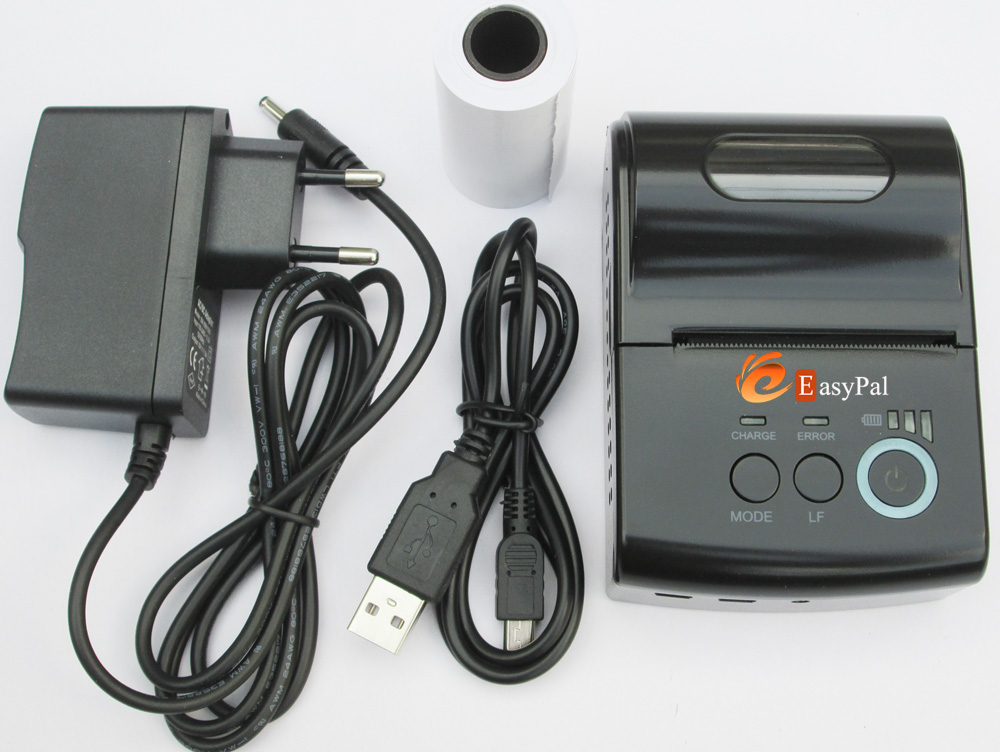
Please check out all the accessories at the box, standard package includes following items:
1x Mobile printer
1x AC charger
1x Battery(already installed)
1x Test roll
1x USB cable
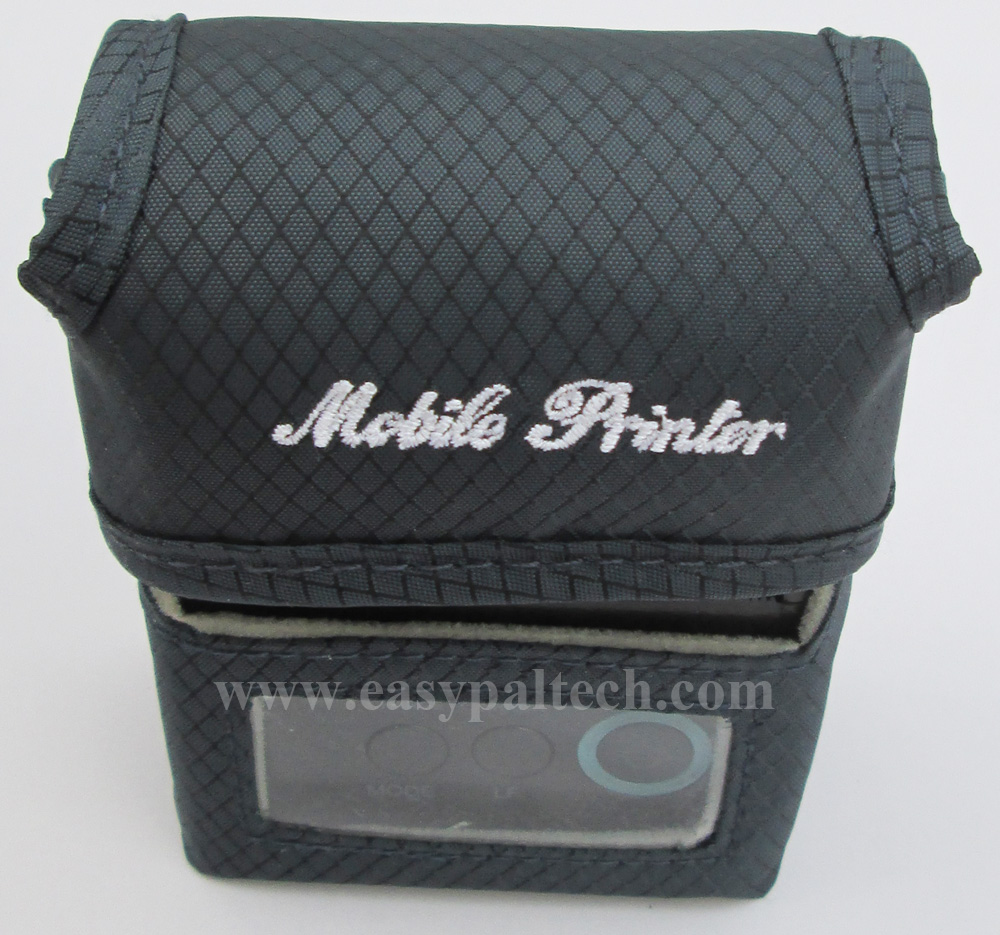
Optional items: Carry case, DB9 serial cable
Setup steps:
1). Check normal status
Take printer from out from box, power on the printer and power off printer to check normal status.
You can see the indicators with three bars, this is for how much power left. Three bars is full, two bar is medium, one bar is low.
How to power on printer?
Keep pressing power button(  )for above 2 seconds, the power indicator blue light will be on, then loose the power button, the printer is already on.
How to power off printer?
Under status of power on, Keep pressing power button(  )for above 2 seconds, the power indicator blue light go out, then loose the power button, the printer is already off.
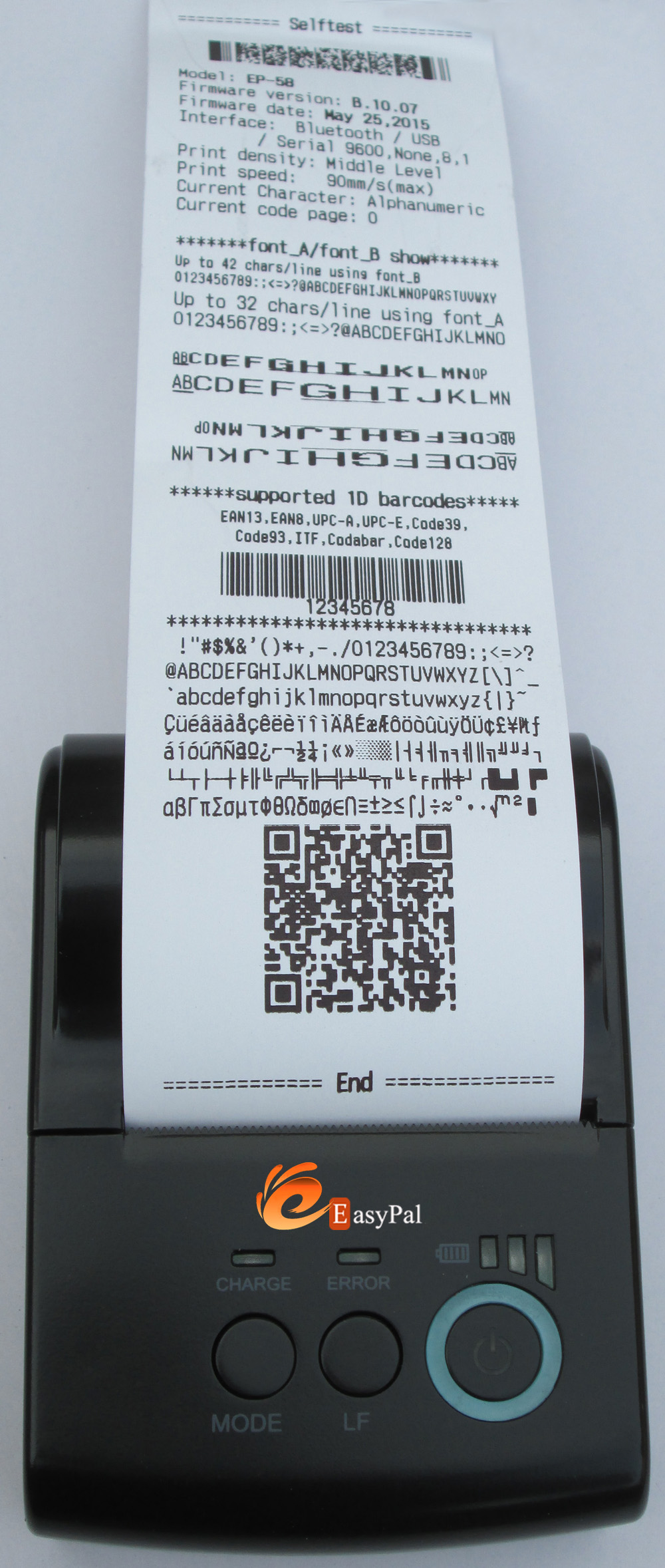
2). Print a selftest page
Power off the printer, then hold down the [LF]button and press power button at the same time. Wait until power indicator and [ERROR] indicator is on, then loose the Power button and [LF] button, the selftest page will be printed out.
3) Feed Paper
Under power on status, press[LF] button, the printer will feed paper once, and stop feeding paper when [LF] button is loosen.
If need check other operation of printer, please refer to product User's Manual.
Self-Test Page Presentation, you can set your parameter like bluetooth name, language,according to your requirement.